MS Windows
The AosEdge team recommends using powershell application as a terminal (console).
How to open the Terminal window
1. Press the Start button

2. Type powershell using your keyboard
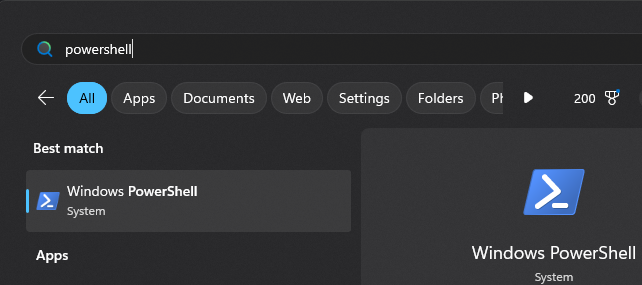
3. Press Enter button on the keyboard
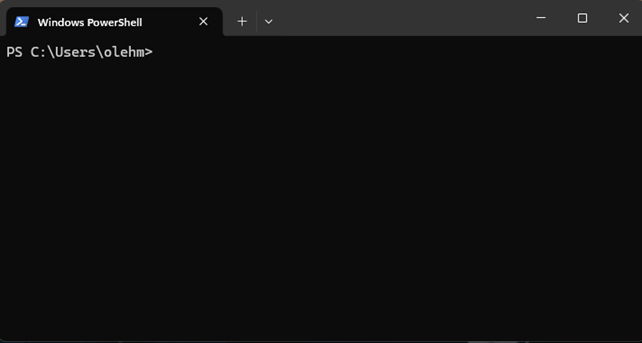
You will see the window like below (your user login will be used):
To execute command from the tutorial or email, next steps are required:
- copy command from the tutorial or received email from AosCloud
- paste it into the PowerShell window
- press
Enteron the keyboard.