Linux
To start a terminal application in your Linux, follow next steps:
1. Show applications
Press the Start button on the keyboard
or press Show Apps icon in the Ubuntu LTS, as shown below

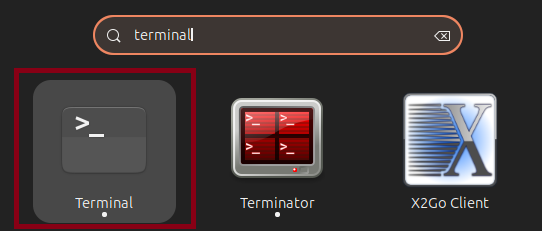
2. Type the terminal word
Type terminal using the keyboard and start the terminal app by clicking on it.
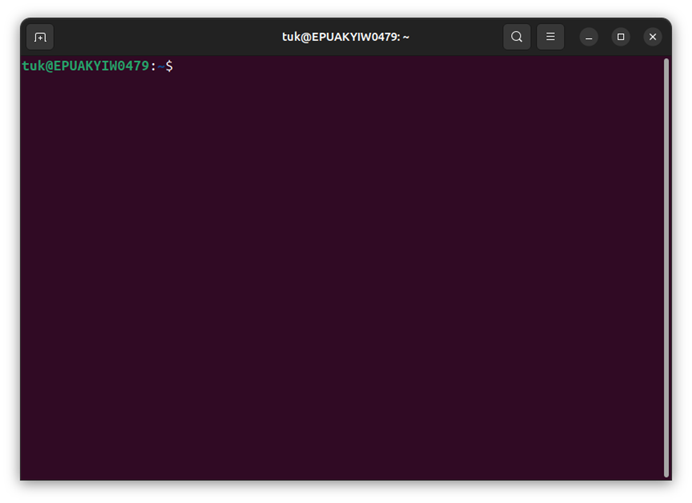
3. Terminal app is opened
To execute command from the tutorial or email, next steps are required:
- copy command from the tutorial or received email from AosCloud
- paste it into the PowerShell window
- press
Enteron the keyboard.