macOS
To start terminal application, follow the next steps:
1. Click on the Launchpad button
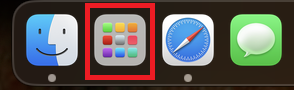
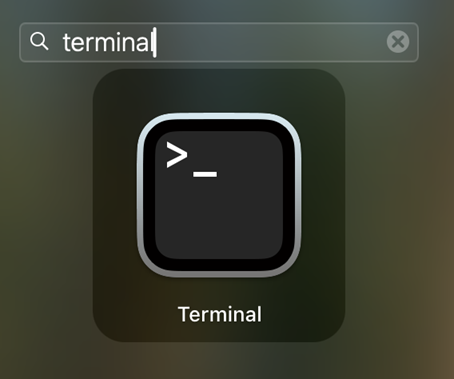
2. Type the terminal word
Type terminal using the keyboard and start the terminal application by clicking on it.
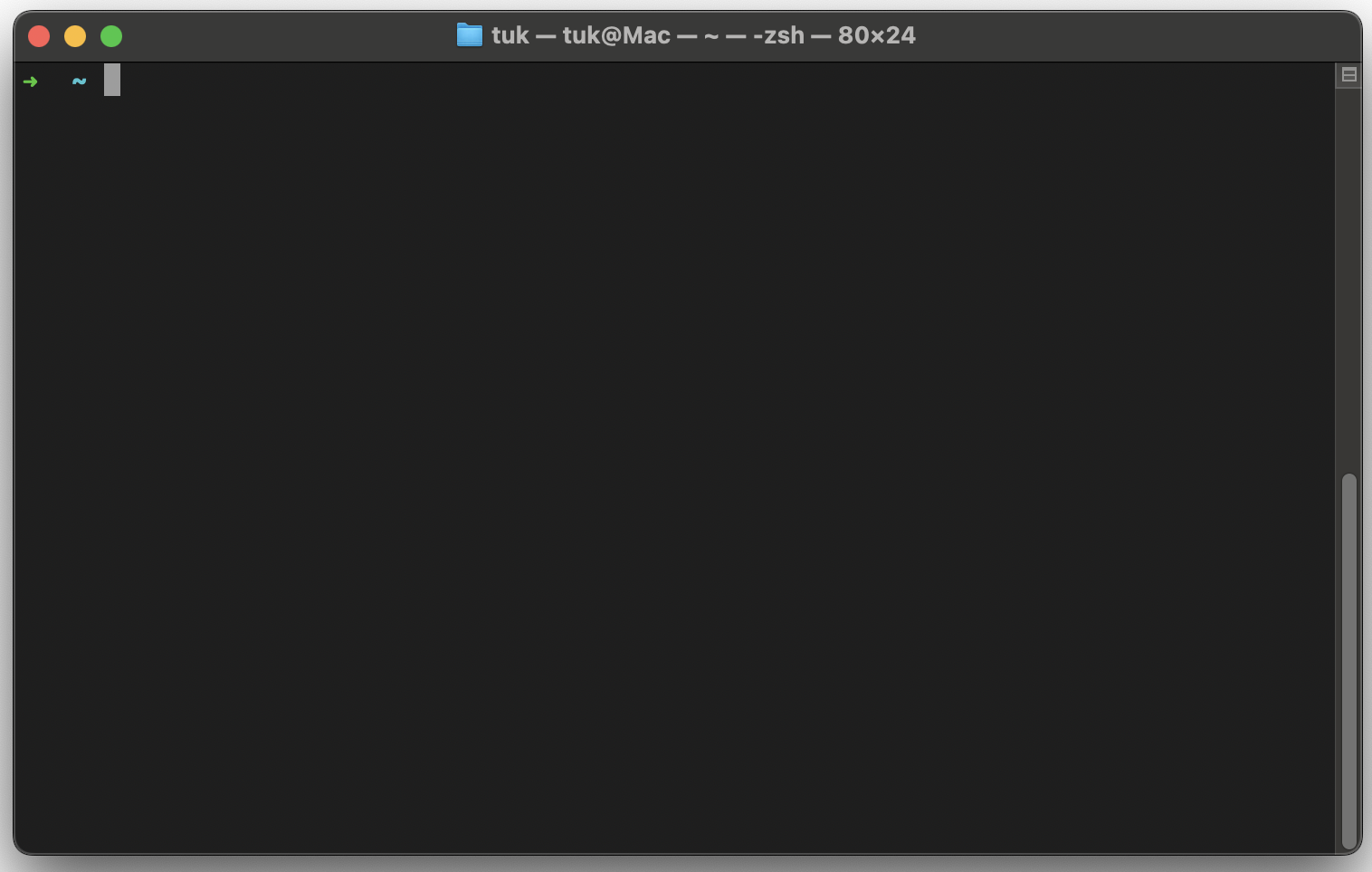
3. Terminal application will be opened
To execute command from the tutorial or email, next steps are required:
- ⌘+C copy a command from the tutorial or received email from AosCloud
- ⌘+V paste it into the PowerShell window
- press return on the keyboard.