Monitor a Service
By now, you should have your Service running on a Unit.
Service can be monitored in various ways through the AosCloud management UI.
Shown status information should be utilized to
- manage the health and detail status of your Service,
- debug your Service implementations.
Services page
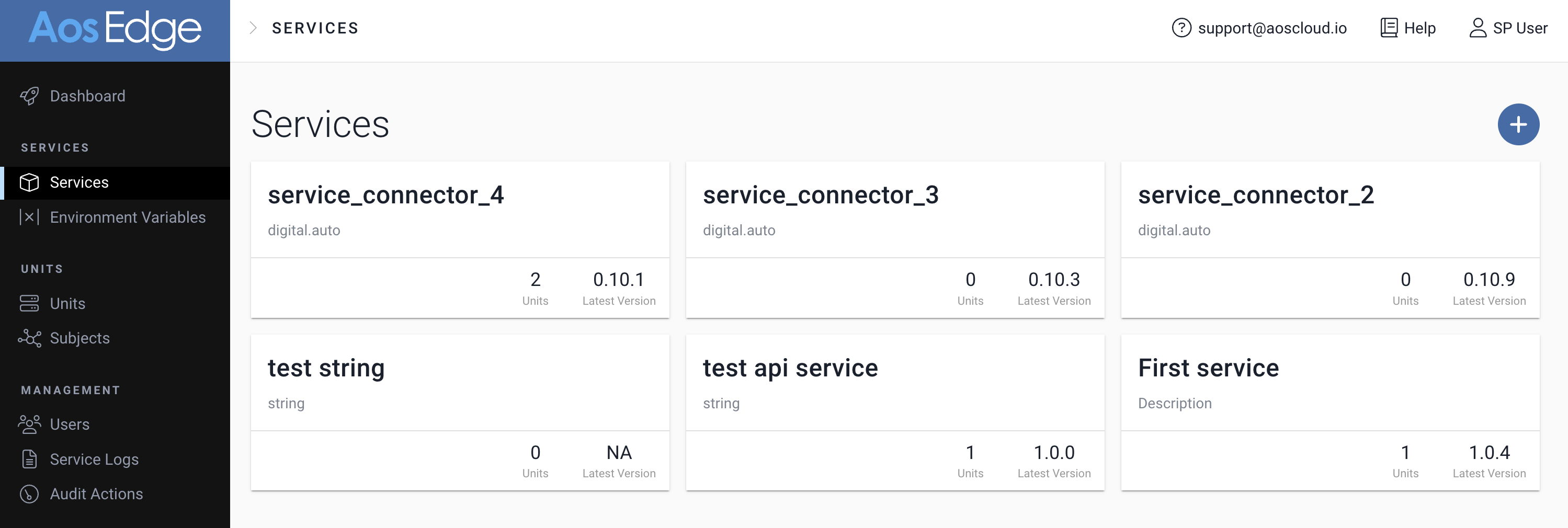
Services page lists all the Services created by the Service Provider.
For each Service you can find:
- Number of Units the Service is installed to
- Latest version of the Service
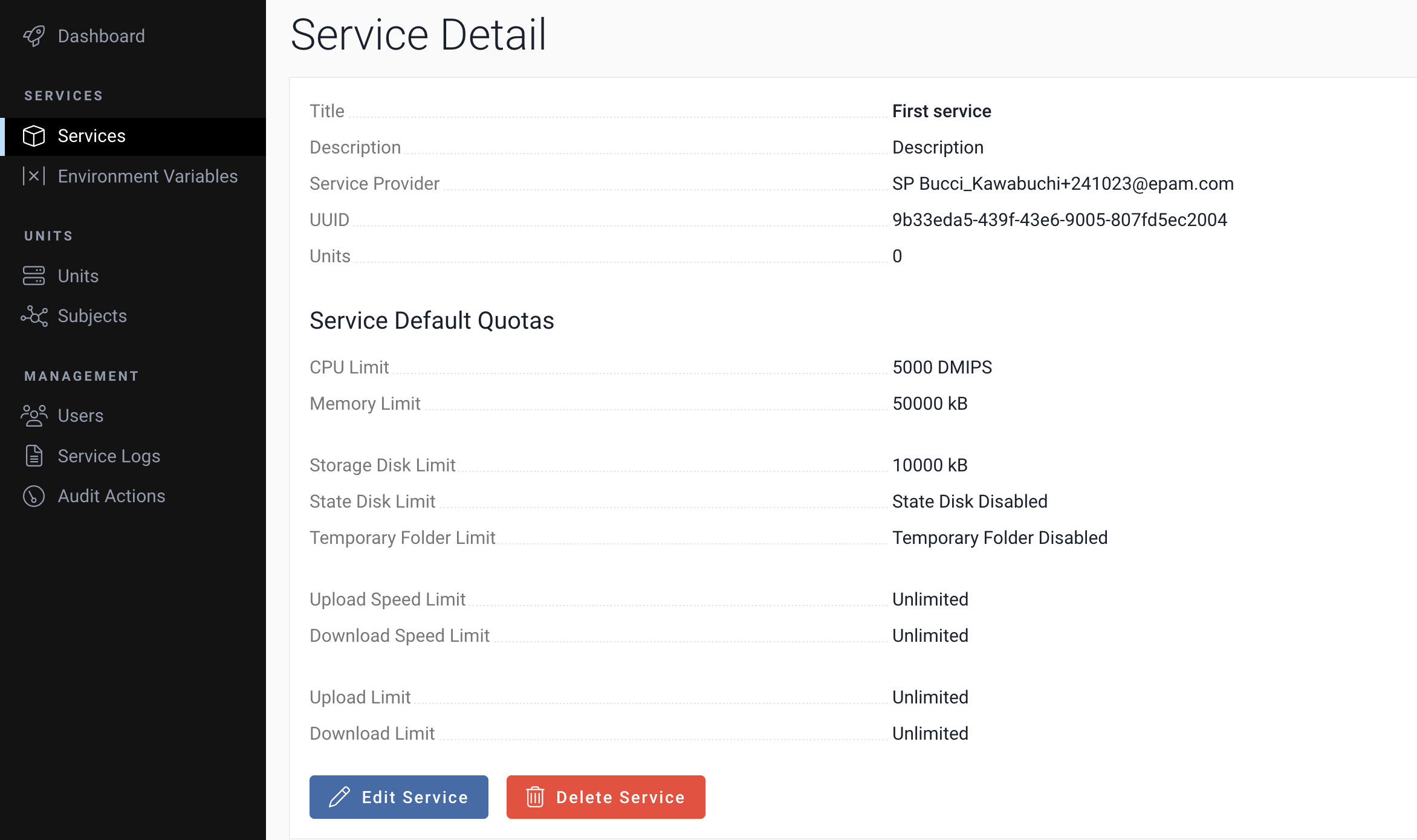
Service Detail page
Select a Service in the Services page to see the Service Detail page. Various detail of the Service can be confirmed.
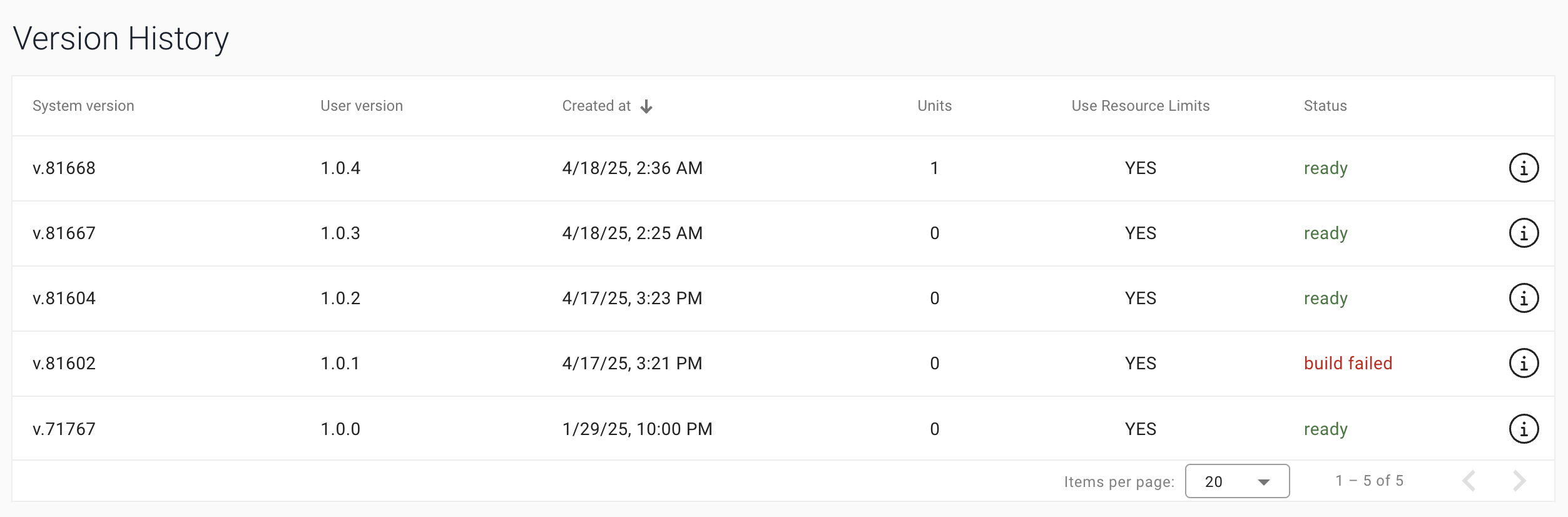
Version History
Below the Service detail informations, Version History of the Service can be found.
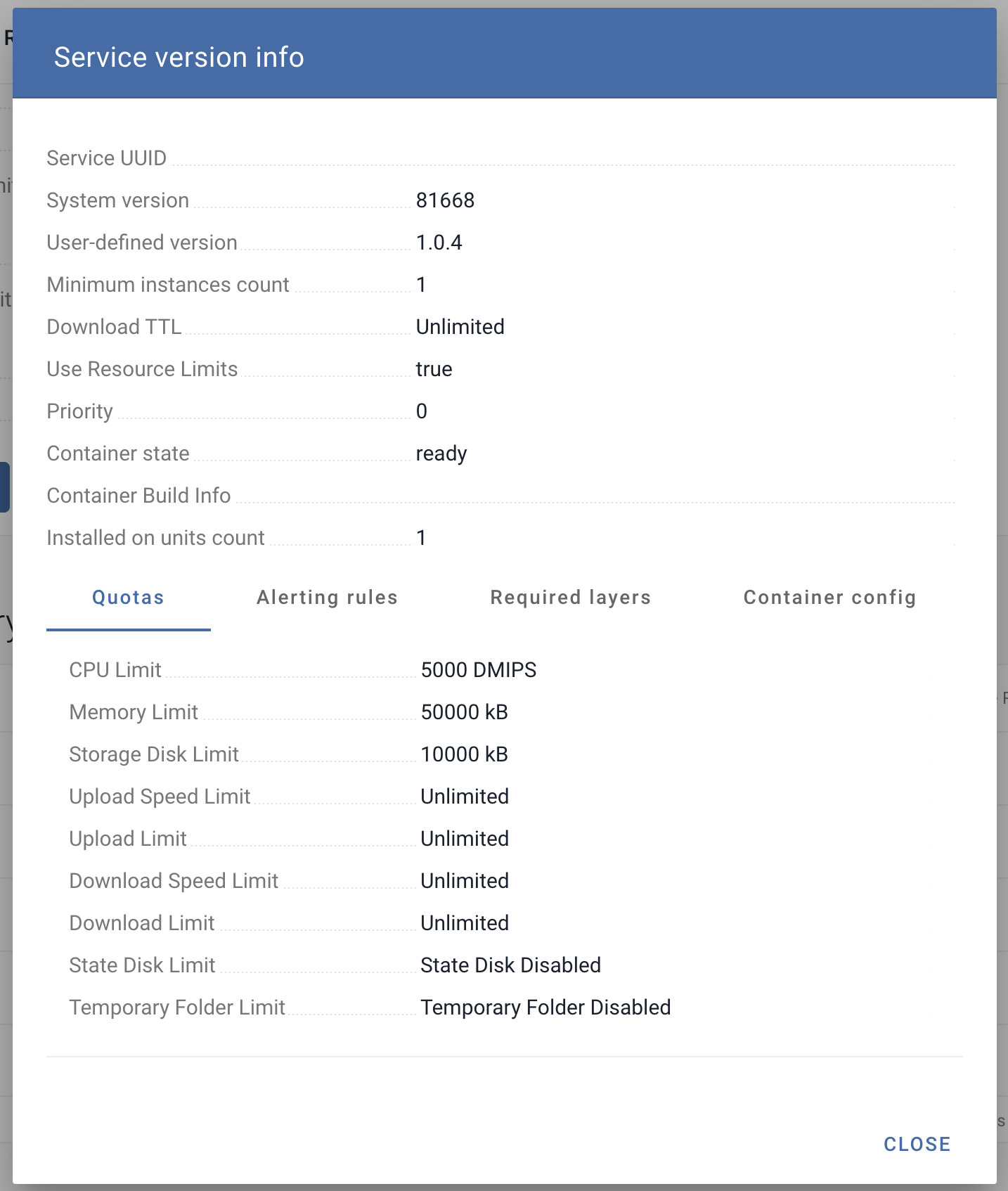
Service Version Information
Click the "i" icon of a version. You will find detail information of the Service version.
Unit Detail page
For a specified Unit, you can find the information of the installed Service in the Unit Detail page.
Subject & Services
See Monitor your device - Subject & Services for detail.
Logging
Details of Service behavior can be confirmed from Service logs. To obtain logs of a Service, you have below options.
Get logs directly from node
- SSH login to the Unit
- Start logging via the Unit's system logging feature (ie.
journalctlfor Linux) - Perform your operation
- Collect the Service logs by specifying the Service from the Unit system logs.
See below pages for detail:
Service Logs page
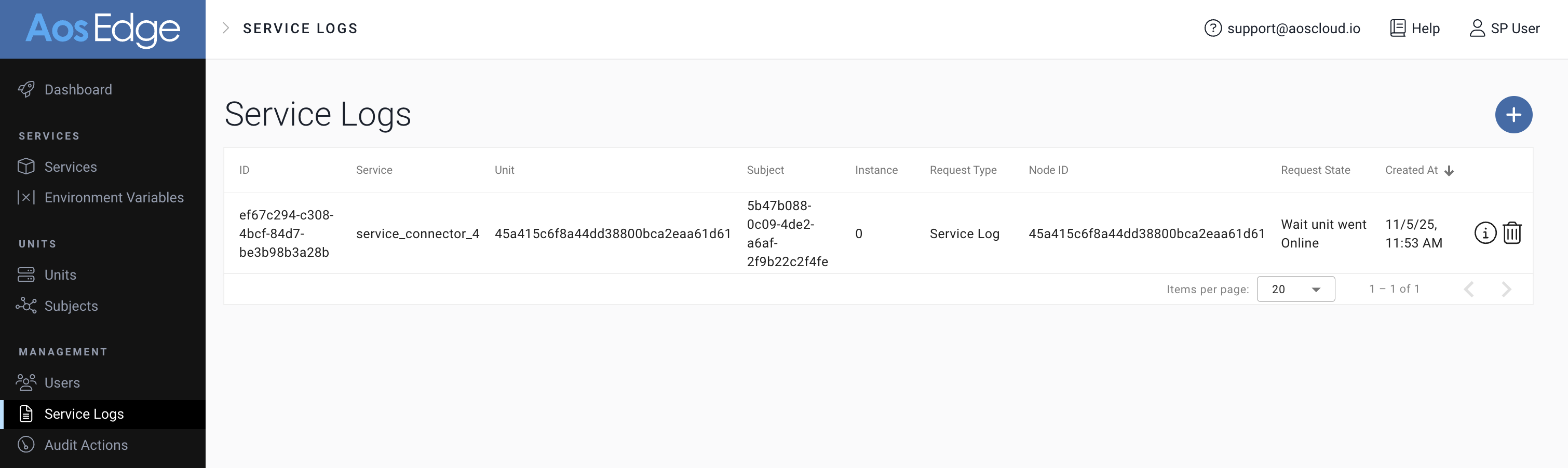
Add your log request to the Service by clicking the "+" button at the top-right of the page.
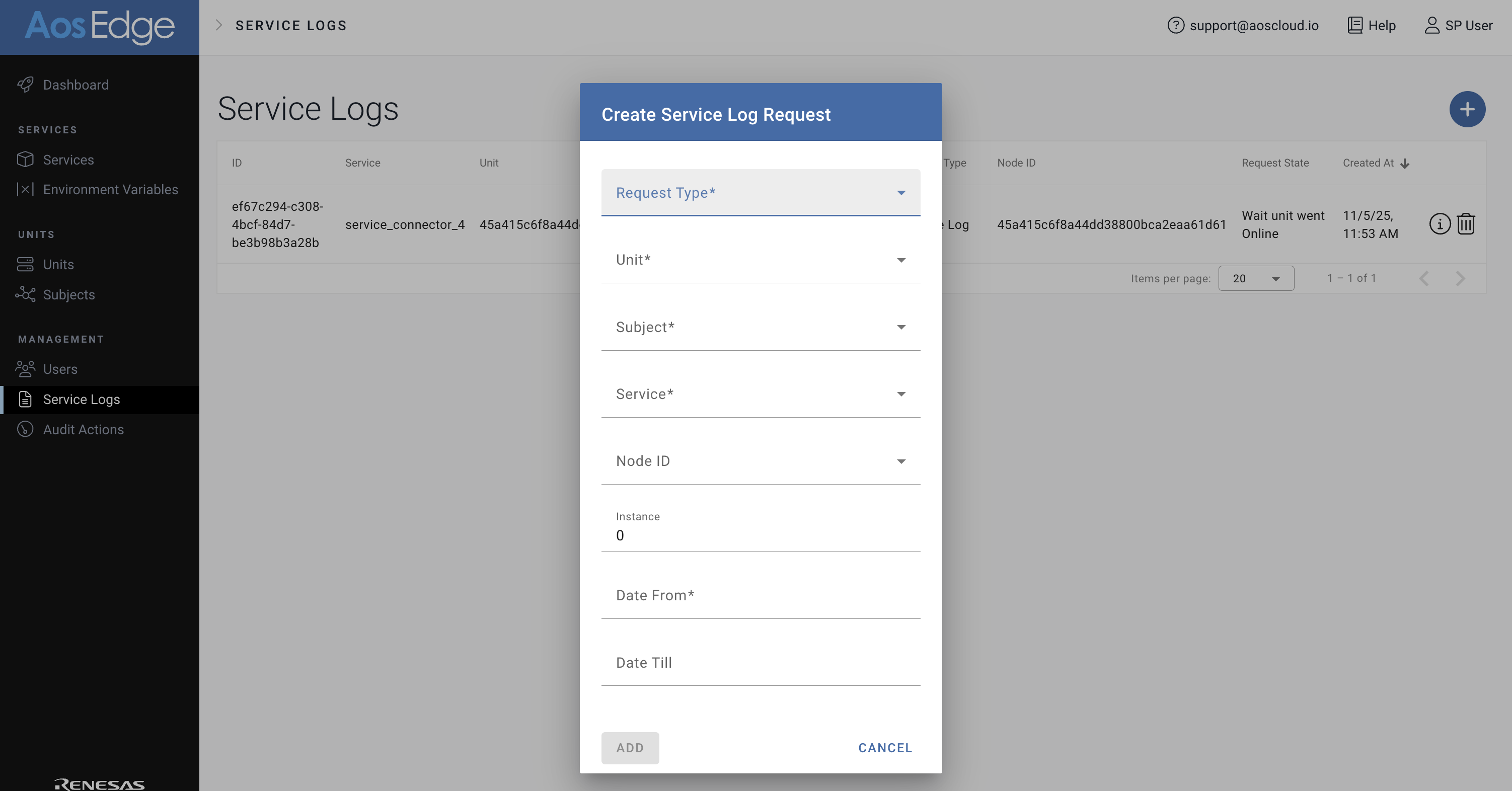
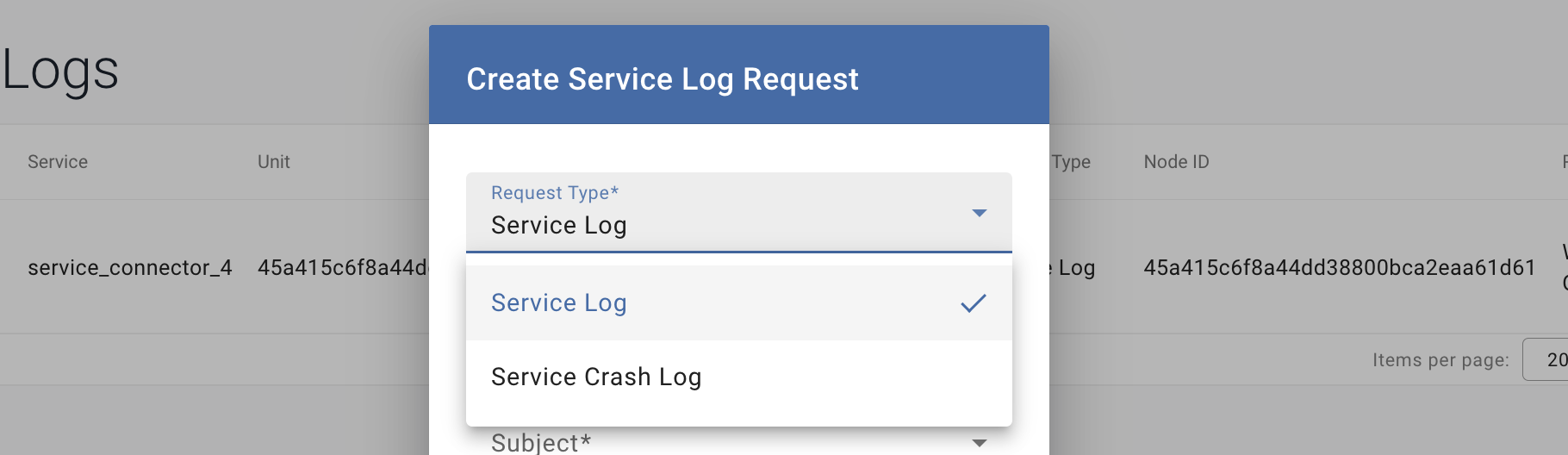
Select from:
- Service Log
- Service Crash Log and input your request details.
When the log file is ready,  icon will appear by the request. Click the icon to download the log file.