Terminal (CLI)
To use Aos CLI tools and other CLI (Command Line Interface) commands, console/terminal application is needed to execute them.
See below for your selected host machine OS.
- Windows
- macOS
- Linux
Windows has two default terminal applications: Cmd and PowerShell.
AosEdge team recommends using PowerShell, as it is referred throughout the AosEdge documentation and other materials.
Open Terminal window
Press Windows Start button

Type powershell in the search box. PowerShell will be listed.
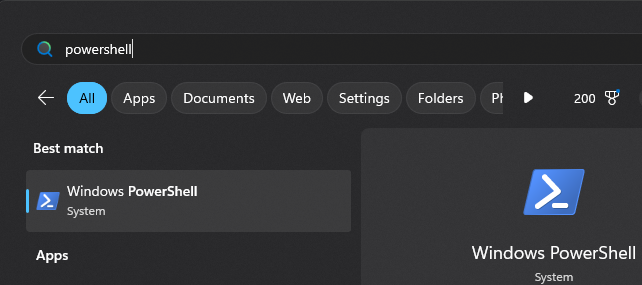
Select PowerShell and press 'Enter'. Terminal window like below will appear(with your login info).
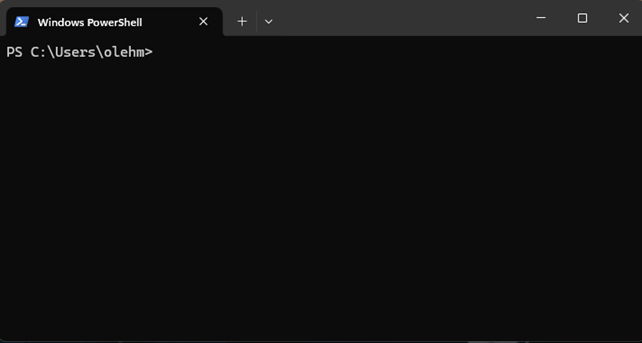
Run commands
To execute command from the tutorial or email, next steps are required:
- copy command from the tutorial or received email from AosCloud
- paste it into the PowerShell window
- press
Enteron the keyboard.
macOS has default terminal app.
To start terminal application, follow the next steps:
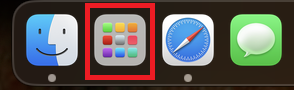
Click the Launchpad button
Type the terminal word
Type terminal using the keyboard and start the terminal application by clicking on it.
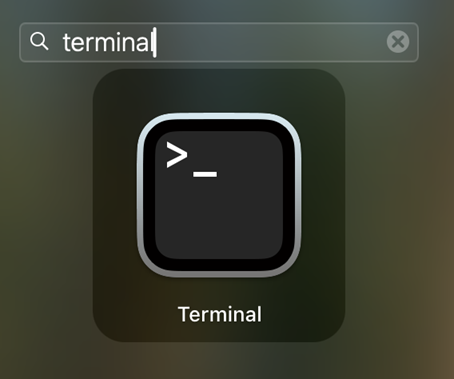
Terminal application will be opened
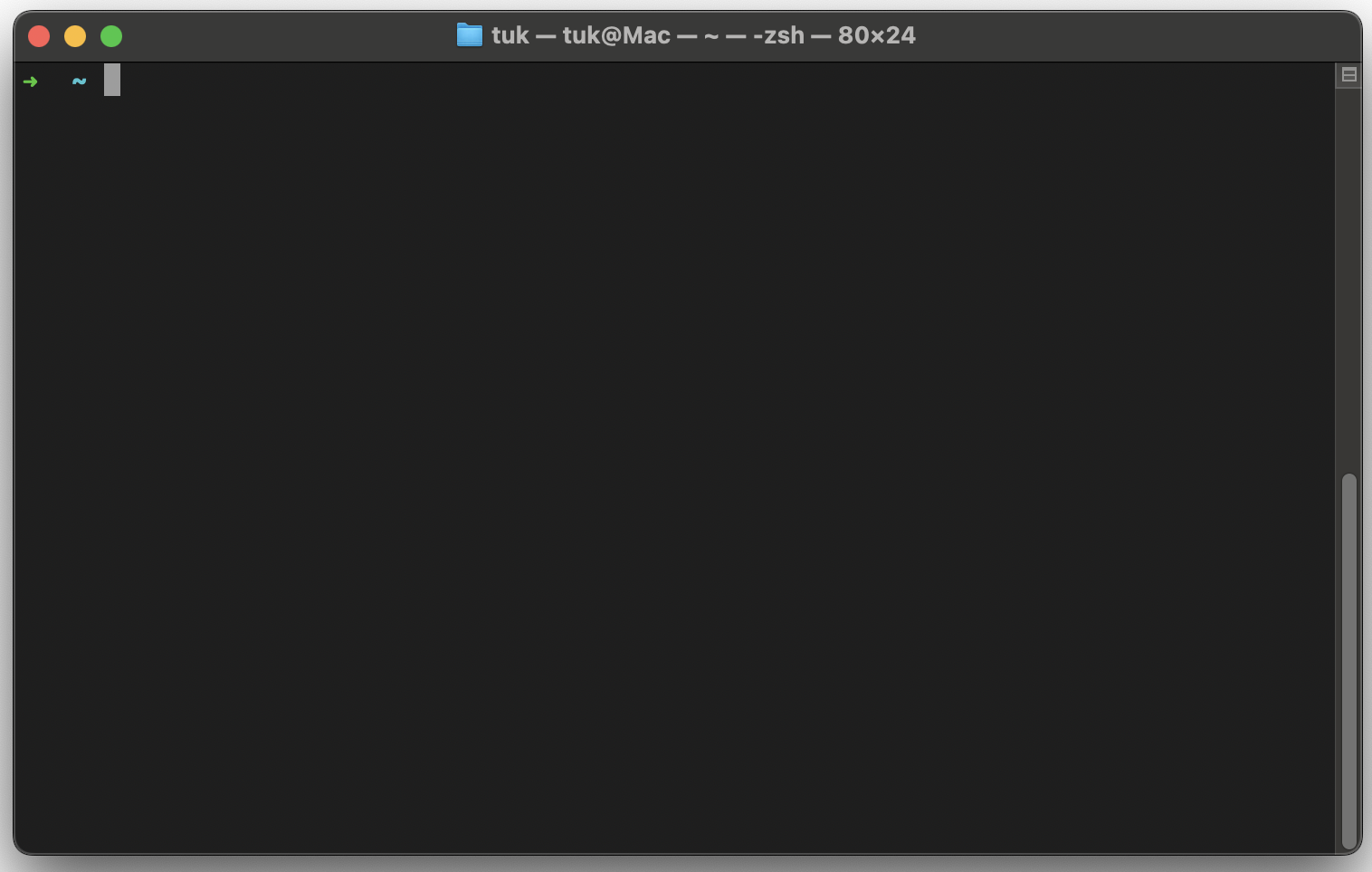
To execute command from the tutorial or email, next steps are required:
- ⌘+C copy a command from the tutorial or received email from AosCloud
- ⌘+V paste it into the PowerShell window
- press return on the keyboard.
Linux has default terminal app.
To start a terminal application in your Linux, follow next steps:
Show applications
Press the Start button on the keyboard
or press Show Apps icon in the Ubuntu LTS, as shown below

Type the terminal word
Type terminal using the keyboard and start the terminal app by clicking on it.
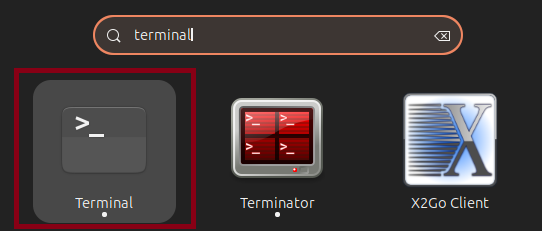
Terminal app is opened
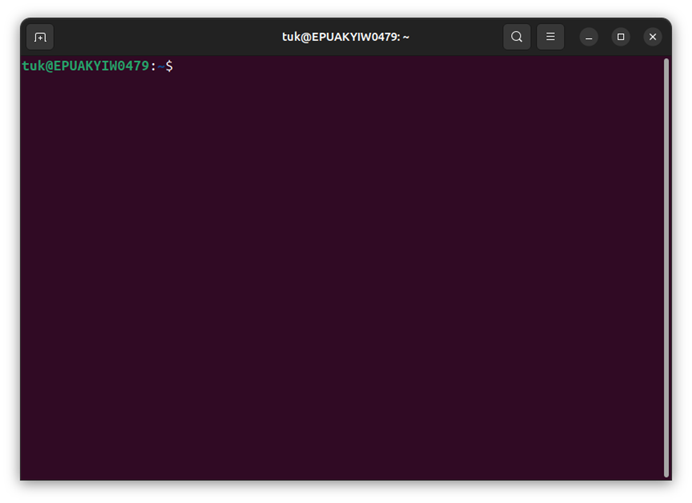
To execute command from the tutorial or email, next steps are required:
- copy command from the tutorial or received email from AosCloud
- paste it into the PowerShell window
- press
Enteron the keyboard.